AI Era Security Notes
Prefer passkeys where supported, enable MFA on every critical account, and use a reputable password manager for unique credentials.
Passwords are still the keys to your digital life — but in the AI era, stolen credentials fuel automated account takeover at massive scale. In Lesson 2 of Cybersecurity in the AI Era, you will learn how to build authentication habits that resist modern attacks: unique passwords, multi-factor authentication (MFA), passkeys, and smart recovery planning.
Prerequisites: Lesson 1 recommended. Estimated time: 45–55 minutes.
1. Why Passwords Fail (and How Attackers Exploit Them)
Attackers rarely “guess” passwords manually. They use:
- Credential stuffing — trying leaked username/password pairs from old breaches on other sites
- Phishing — tricking you into typing credentials on a fake login page (Lesson 3)
- Brute force & dictionary attacks — automated guessing against weak passwords
- AI-assisted profiling — generating likely passwords from your social media posts
If you reuse one password across ten sites, a breach at any one site compromises all ten. Unique passwords everywhere is non-negotiable in 2026.
2. What Makes a Strong Password?
Length beats complexity. A 16-character passphrase like correct-horse-battery-staple-2026! is stronger and easier to remember than P@ssw0rd!.
| Rule | Good practice | Avoid |
|---|---|---|
| Length | 14+ characters | 8-character minimum-only mindset |
| Uniqueness | One password per site | Reuse across banking and forums |
| Randomness | Generated by a password manager | Pet names + birth years |
| Storage | Encrypted vault | Sticky notes, plain-text files |
3. Password Managers — Your Best Friend
A reputable password manager (1Password, Bitwarden, Dashlane, etc.) stores credentials in an encrypted vault unlocked by one strong master password plus MFA. Benefits:
- Generates and autofills unique passwords
- Syncs across devices securely
- Alerts you when a site you use appears in a breach database
- Reduces phishing risk when combined with domain-matching autofill
Action step: Install a password manager today. Migrate your top 10 critical accounts (email, bank, cloud storage, employer SSO) first.
4. Multi-Factor Authentication (MFA)
MFA requires two or more factors:
- Something you know — password
- Something you have — phone app, hardware key
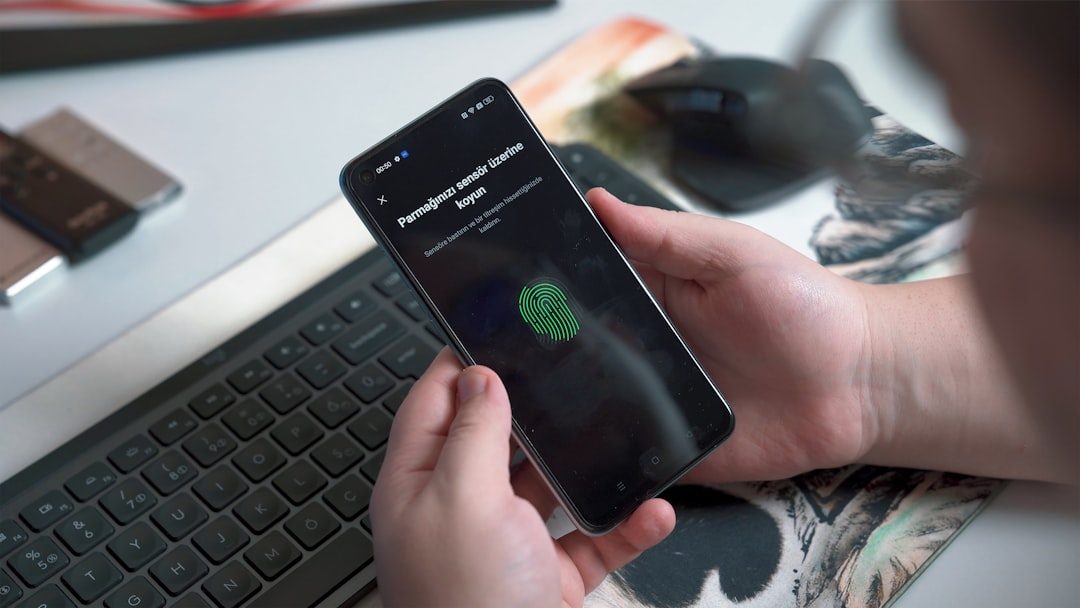
- Something you are — fingerprint, face (biometrics)
Enable MFA on every account that supports it, prioritizing email (password reset hub), financial apps, cloud admin consoles, and social media.
| MFA method | Security | Notes |
|---|---|---|
| Hardware security key (FIDO2) | Excellent | Phishing-resistant; best for high-value accounts |
| Authenticator app (TOTP) | Very good | Avoid SMS when possible |
| SMS codes | Moderate | Vulnerable to SIM swap — use only if nothing else exists |
| Email OTP | Weaker | Better than nothing; email must also be secured |
5. Passkeys — The Passwordless Future
Passkeys use public-key cryptography. Your device stores a private key; the website stores a public key. Login uses biometrics or device PIN — no shared secret to phish.
Major platforms (Apple, Google, Microsoft) and sites (GitHub, PayPal, Best Buy) now support passkeys. When offered, prefer passkeys over passwords for that account.
6. Beware MFA Fatigue Attacks
Attackers who steal your password may spam push notifications (“Did you just sign in?”) hoping you approve out of annoyance. Never approve an MFA prompt you did not initiate. If you see unexplained prompts, change your password immediately from a trusted device.
7. Account Recovery Done Safely
- Store backup codes from MFA setup in your password manager — not in email
- Use a dedicated recovery email with its own MFA
- Remove old phone numbers and devices from account security settings
- For work accounts, follow your organization’s identity policy — do not bypass IT
8. Authentication at Work (Intermediate)
Enterprises use Single Sign-On (SSO) via SAML or OpenID Connect, often with conditional access (device compliance, location, risk score). As an employee:
- Never approve SSO logins you did not start
- Report lost hardware tokens immediately
- Do not share MFA codes with “IT support” on the phone — real IT never asks for them
9. Next Steps
Continue to Lesson 3 — Phishing and Social Engineering to learn how attackers bypass even strong passwords by manipulating people.
Frequently Asked Questions
Is MFA enough to stop hackers?
MFA blocks most credential-stuffing and many phishing attacks, but you still need unique passwords and awareness of MFA fatigue scams.
What are passkeys?
Passkeys are phishing-resistant login credentials tied to your device using public-key cryptography — stronger and often easier than passwords.
Which password manager should I use?
Choose a reputable vendor with end-to-end encryption, MFA on the vault, and a track record of security audits. Bitwarden and 1Password are popular choices.
Want live cybersecurity classes? Join Alkademy for instructor-led cybersecurity courses with hands-on projects.